philips service tag

Service Tag Smart maintenance for LED streetlighting

icon QR

Service Tag

LEDification in outdoor lighting is a growing trend because of the high level of light quality and energy efficiency of LED technology. Maintenance of LED luminaires, however, is more complex compared to traditional HID sources. LED requires different competences and processes, while the pressure for rapid fault finding and repair continues to increase in an effort to maintain safety and efficiency.


To make this process easier, Genlyte Solutions luminaires, poles and packaging are equipped with Service Tag, a QR based identification system. Simply scan the code using the Service Tag app on a mobile device to collect asset data. Luminaire information accessed through the Service Tag app gives field personnel immediate installation guidelines and information about service parts. Additionally, Data Delivery Service offers easy access to accurate streetlight luminaire asset data for all registered Service Tag luminaires.

Why Service Tag?

Why Signify Service tag image 1

Installers – Always in control

  • Faster issue resolution
  • On-site troubleshooting
  • Reduced risk of human errors
  • Guided update process
  • Higher project success rate
Why Signify Service tag image 2

Asset and Facility managers – Peace of mind

  • Data-driven asset analysis and tracking
  • Increased uptime, optimized maintenance and energy savings
  • Improved inventory, budgeting and lower TCO
Why Signify Service tag image 3

Maintenance crew – First-time right

  • Improved service quality and service parts access
  • Fewer field visits, optimized repairs
  • Maintained fault history for quicker resolution

Register your luminaires, simplify maintenance

  • Step 1: Download the Service tag app from the App Store or Play Store on your mobile device (iOS or Android).
  • Step 2: Register the luminaire with geolocation by scanning the Service tag QR code on the packaging or luminaire.
  • Step 3: Get instant access to luminaire specifications, documents, spare parts information, and more!
  • Step 4: You may also assign the luminaire to a project assigned by a project manager. See below section about the Multi-asset Manager.

Features at a glance

icon 1

Registration

Effortlessly register each luminaire and maintain records for better asset tracking

icon 2

Detailed asset specification

Instant access to detailed technical specifications for efficient asset management

icon 3

Service parts

Find compatible spare parts, making replacements straightforward and reducing downtime

icon 4

Replace driver

Manage driver replacements with accurate light-level configurations

icon 5

Configuration

Adjust brightness and dimming settings based on specific needs to optimize energy usage

icon 6

Documents

Access product manuals and troubleshooting guides anytime, anywhere

icon 7

Diagnose

Detect issues early with real-time fault diagnostics, minimizing repair time

icon 8

Request service

Simplify the service request process, ensuring a fast and effective resolution when support is needed

icon 9

View event history and logs

Review historical data to gain asset performance insights, helping in maintenance planning

service tag app

Download the Service Tag app

The age of digital luminaire maintenance is finally here! Download the Service Tag app today to start accessing on-the-spot information and service.

Now available: Multi-asset Manager for desktop and mobile

  • Monitor installation projects in real time by tracking progress and asset registration status, helping you stay on top of potential issues and deadlines.
  • Generate detailed installation and asset reports to keep stakeholders informed and support smoother project completion and handover.
  • Manage assets through a map-based interface with visibility into luminaire location, status, project association, and power cabinet connection for better asset organization, power distribution planning, and maintenance.
  • Access key luminaire and service information from one place, including specifications, documents, service parts details, and serviceable parts reports to improve spare parts planning and reduce repair turnaround time.
  • Support faster collaboration between field and office teams through synchronized desktop and mobile app workflows, enabling teams to search assets by Service tag ID or QR code and access the right information quickly.


Interested in activating the Multi-asset Manager? Contact your local sales representative or customer care team.

multi asset manager image

Luminaire compatibility

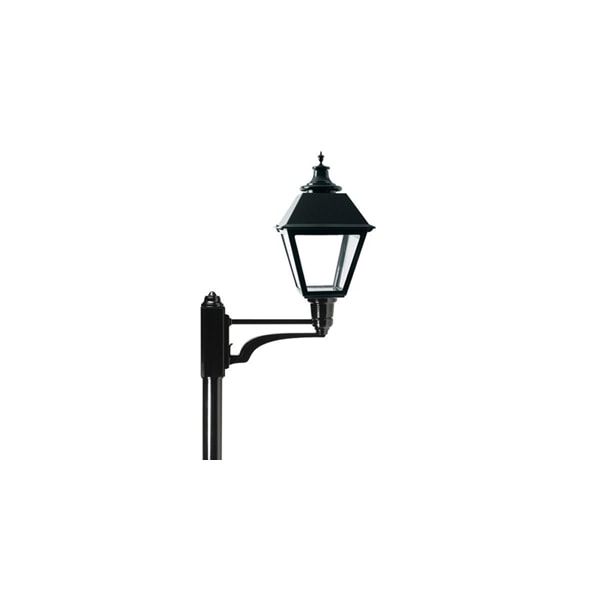
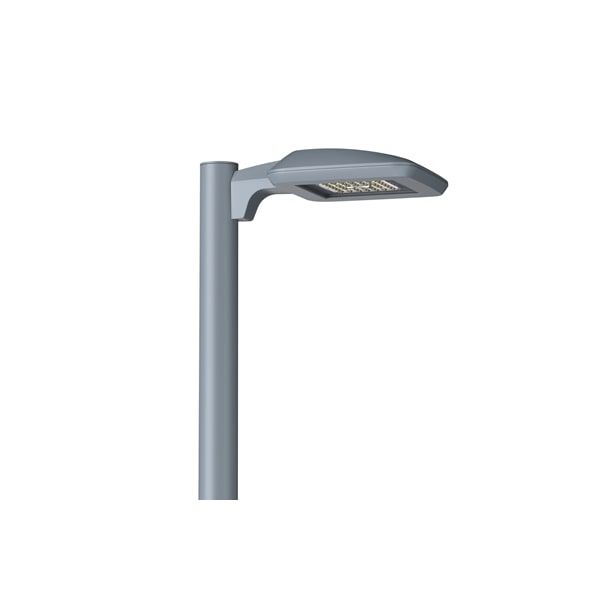
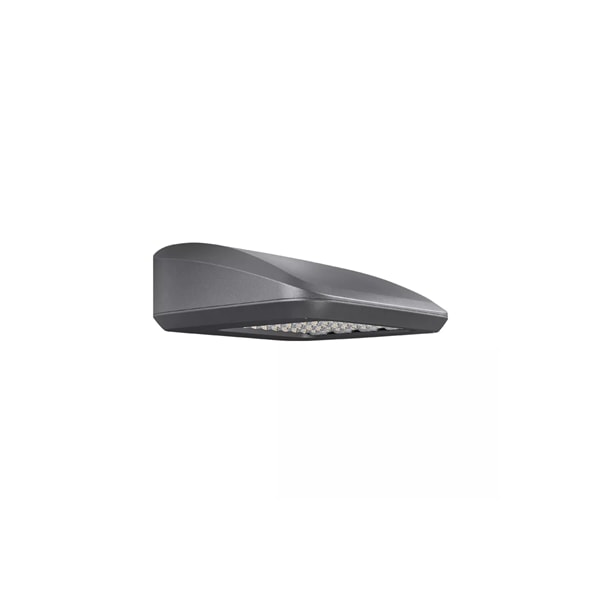
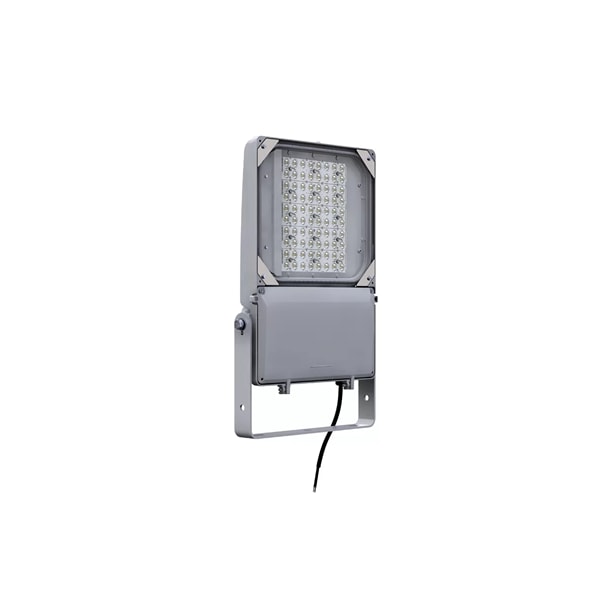
Overview of products equipped with the Service tag

Frequently Asked Questions

How does it work?

By scanning the Service tag QR code located on the product label and registering the asset using the Service tag mobile app, users can access product details, documentation, spare parts information, and maintenance records, as well as execute replacement workflows. Asset data is sourced directly from the factory and stored in the cloud.

Who can use Service Tag?

Service tag is designed for a wide range of users, including project managers, maintenance and facility managers, installers, field engineers, and lighting operators. Users must download the app and activate their account to access its features.

What is the difference between the Service tag Web App and Mobile App?

The Mobile App is designed for field engineers to perform on-site activities, while the Web App is intended for desktop users. Tasks performed on either platform are synchronized seamlessly.


Additionally, the Web App (charges apply*) enables users to manage consolidated lighting assets per project through a map-based interface, generate reports, and conduct asset analysis.

How can Service tag asset data be imported into other asset management tools?

Using Service tag APIs (charges apply*), asset data can be automatically integrated into other asset or lighting management systems.

How can I tell if my asset is Service tag-enabled?

Look for the Service tag QR code, either as a separate label or on the product label.


Typical QR code format: 

service tag

Can I order service parts directly through the Service tag Mobile App?

Users can add service parts to a consolidated cart and request a quotation from an authorized distributor or Genlyte Solutions via email.

Does the Service tag Mobile App support non-Genlyte Solutions luminaires?

Yes, non-Genlyte luminaires can be registered using the Service tag Mobile App. However, functionality is limited compared to Genlyte luminaires.

Can I manually control lights using the Service tag Mobile App?

Yes, this is possible when Service tag is activated for an Interact City project (charges apply*).

What are the mobile device requirements for the app?

The app supports most iOS and Android smartphones running recent operating system versions. Required device features include a camera, GPS, and NFC.

What languages are supported in the Service tag App?

English, Dutch, French, German, Italian, Polish, Norwegian, Portuguese, Romanian, Spanish, and Swedish.

*Please contact your nearest Genlyte Solutions sales representative or reach out via the contact form for more details.

get in touch

Get in touch

We'd love to hear from you.